

For the past week, I’ve been running tickets through every major ITSM platform out there to see which ones offer the best Microsoft Teams support.
You’ll find that a disappointingly large number of them will pop a notification into your Teams channel when someone raises a ticket, but for anything useful, you’ll still need to navigate out of the platform. That said, it is entirely possible to run your entire IT support desk out of Teams. In fact, there are AI-native IT service desks that run exclusively out of Teams, if that’s what you want. Otherwise, there’s lots of actually good multichannel options too.
For this particular list, I landed on ServiceNow, InvGate, Jira Service Management, Console, and BMC Helix. Keep reading for my detailed breakdown of each, including all the pros and cons you should know before locking in your contract.
The best Microsoft Teams-compatible ITSM tools: Compared
| Tool | Best for | Teams integration depth | Setup effort | Starting price |
| ServiceNow | Large enterprises with complex ITIL governance | Deep — Virtual Agent, ticket creation, chat, approvals | High — multiple plugins, Microsoft tenant linking | Custom quote only |
| InvGate | Enterprise teams that wish for reduced setup overhead | Solid — AI Virtual Service Agent inside Teams, ticket creation | Low — native app, quick setup | $500/agent/year (Pro plan for at least 5 agents, annual) |
| Jira Service Management | Engineering-heavy orgs already on Atlassian | Moderate — ChatOps for alerts, conversational ticketing add-on | Medium — ChatOps and Atlassian Assist are configured separately | Free (up to 3 agents); $20/agent/month (Standard) |
| Console | Teams that want AI to resolve requests, not just log them | Native — built for Teams and Slack, not bolted on | Low — no portal required, AI handles setup research | Custom quote only |
| BMC Helix | Large enterprises with existing BMC investments | Moderate — incident collaboration, ChatOps, work note sync | High — Azure app registration, Innovation Studio config | Custom quote only |
1. ServiceNow
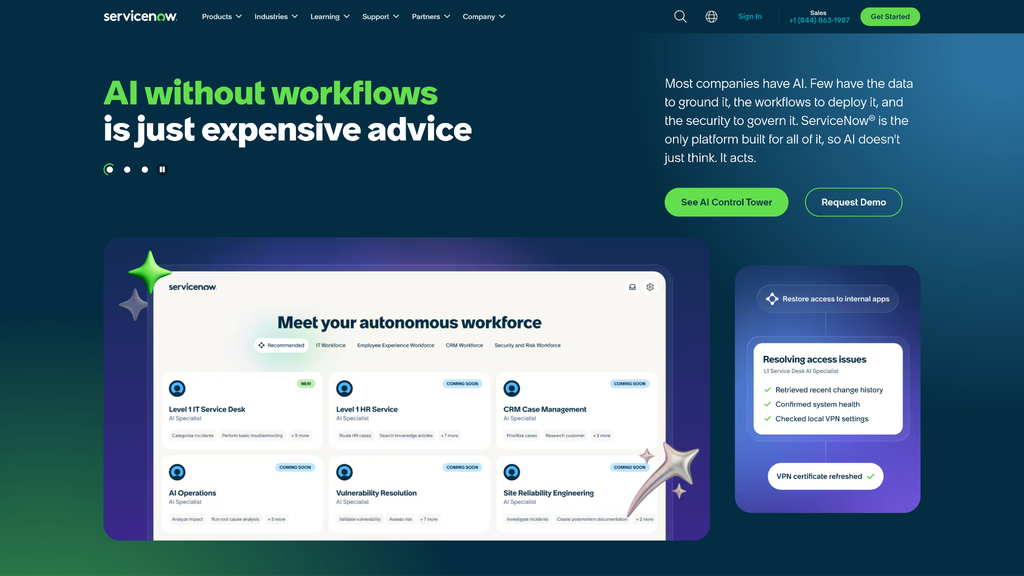
ServiceNow is an all-in-one service management platform with mature ITIL features. But because there are so many features to use and modules to configure, it’s also the most cumbersome to set up.
First you’re setting up the Teams integration, then you have to configure the Notify Connector, install Meeting Extensions, and finally set up the Virtual Agents component that actually lets you resolve tickets from inside Teams. It’s a lot of work for enterprises that will need a sizable onboarding budget.
Once it’s all set up though, ServiceNow is quite accessible to use. IT agents can hop into a Teams conversation directly from an incident record and Now Assist can summarize conversations once you add messages to a ticket.
I’d say the biggest catch with this platform is how they handle licensing. A lot of the more advanced ITSM features are simply unavailable on the Foundation plan, meaning that you’ll be upgrading to ITSM Advanced or Prime if you need proper problem and change management, major incident response, and AI voice agent features. It’s less aggressive than ServiceNow’s previous pricing structure — which limited Virtual Agent use to no more than 3 conversations on ITSM Standard — but still worth noting.
Also, ServiceNow is very enterprise-focused and doesn’t share pricing publicly. You’ll need to get on a call with the sales team or request a quote by email, though recent estimates put the subscription costs at anywhere from $70 to $200+ a month per IT support agent.
2. InvGate
InvGate, unlike ServiceNow, is much faster to get up and running with Teams. AI service agents are connected directly to your InvGate knowledge base, so they can take over routine ticketing and support tasks right away. You just enable the AI service from InvGate’s AI Hub, install the InvGate Virtual Agent app from the Teams store, and add your Entra Tenant ID, Client ID, and Client Secret under Settings > Integrations > Virtual Service Agent.
After that, employees can simply initiate a direct chat with the Virtual Service Agent inside Teams, which can start answering questions right away based on your existing documentation, log tickets, and retrieve ticket statuses on request. I found that even vaguely worded requests were addressed properly most of the time, so no one will have a hard time speaking to the virtual agents if they aren’t technically proficient.
While the Teams integration is designed primarily for self service, support agents can also use it to view assigned requests, chat with requesters, reply to tickets, and handle approvals directly from Teams. They would still have to rely on the service desk interface for reporting and analytics, however. So, I would approach the Teams integration as a self-service tool with some Teams-native support features.
InvGate’s base tier plan, Service Management Starter, costs $1,499 a year for up to 5 agents, but it does not give you access to Virtual Service Agent features or the Teams integration at this price range. You can still access other automation features through the AI Hub, however. If you want Microsoft Teams integration and AI agents, you’ll have to opt for the Pro plan at $500 per agent per year for at least five agents, which comes down to $2,500/year. If you’re looking to deploy InvGate for an IT team of more than 50 agents, you can contact sales for a custom quote starting at $12,000 a year.
3. Jira Service Management
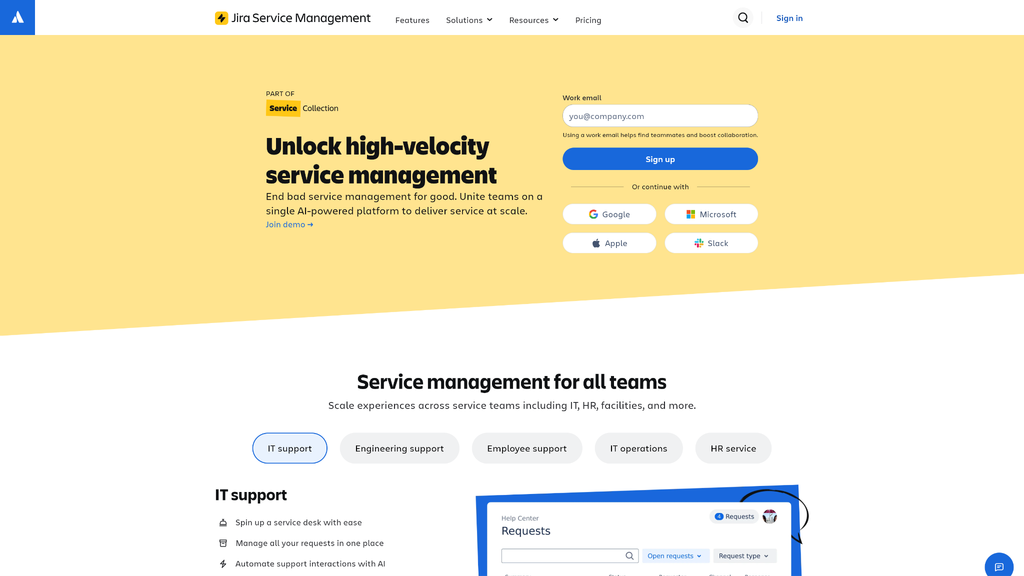
Since Atlassian folded Halp directly into JSM Cloud in May 2023, Jira Service Management now offers everything you need to run your IT support desk directly from Teams, with autonomous agents and conversational ticketing all built into the same plan.
I was able to set everything up by adding the Atlassian ChatOps integration to my Microsoft 365 tenant, just remember that this does require you to have Global Administrator privileges on your Microsoft account. Once that’s done, ChatOps notifies your IT staff whenever there’s an incident. With Atlassian Assist, agents can also respond directly to tickets or close requests directly from Teams. They can also create, comment on, and transition tickets from within Teams conversations.
If you’re wondering about AI features, JSM handles this through Atlassian Rovo. Rovo agents can deal with search requests and Jira actions from inside Microsoft Teams. Rovo can also read tickets, classify and escalate, as well as draft responses without human prompting if you’re on the Premium plan.
Atlassian splits Jira Service Management plans into four tiers. There’s a free tier for companies with no more than three IT agents, which includes all basic features but no advanced AI features like Rovo Search or Rovo Agents. Standard costs $20/month per agent and supports teams with up to 100,000 agents. You also get 250 GB file storage, 3,000 automation steps per user per month, and advanced AI automation with Atlassian Rovo. The Premium and Enterprise plans offer more storage, higher automation limits, and an AI-powered conversational support agent that can assist human IT staff while they’re working on tickets or managing an incident.
4. Console
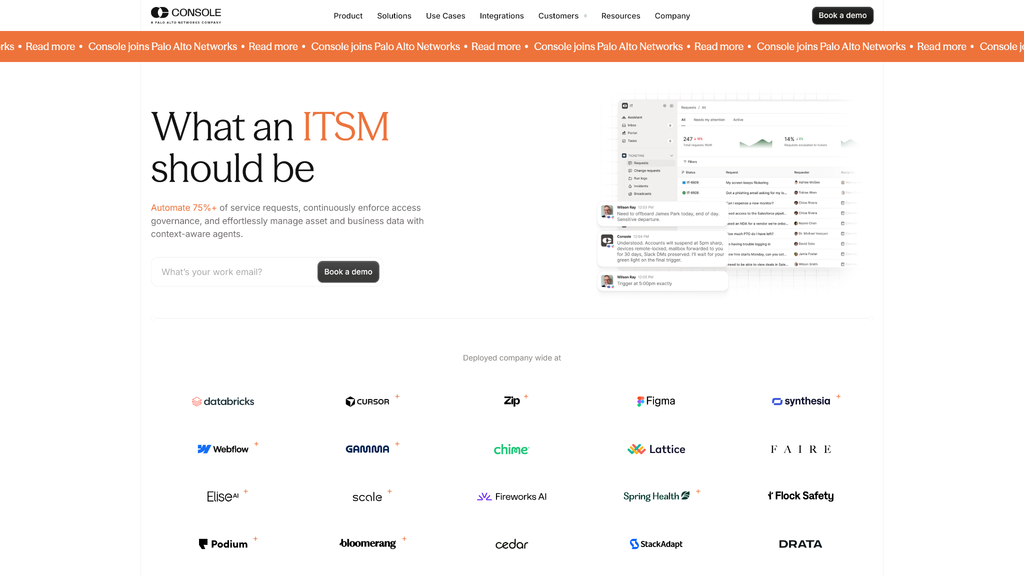
Console is unlike any traditional IT service desk I’ve tested, something worth getting into before we discuss how it works with Microsoft Teams. It’s a truly AI-native IT service management tool, built to offer solutions and resolve tickets directly inside Teams or Slack.
Once an employee makes a request, Console immediately logs a ticket with enriched data, then makes a judgment call on whether to auto-resolve the issue or hand it off to a human agent depending on your organization’s configuration. This feature also evolves with time as Console learns more about your organization’s IT processes to determine which issues most require escalation.
During a product demo, Console showed off a simple workflow where I could request credentials to a test application from inside a Teams chat. You could receive the credentials in the same thread, almost immediately, once the AI checked against a mock access policy to confirm that this could be resolved without IT involvement. It’s very convenient for fast-moving orgs, but this level of automation can be a double-edged sword if your IT team isn’t used to setting up or maintaining strict AI governance policies.
If your organization operates in a regulated industry that requires strong ITIL change management and compliance tracking, I would be hesitant to recommend Console as your primary ITSM hub. But as an IT automation platform that can actually resolve tickets inside Teams conversations, it gets full marks. It’s also worth mentioning that Palo Alto Networks has acquired Console as of September 2026, so its future as a standalone service desk remains a bit uncertain.
5. BMC Helix
Helix became an independent company carved out of BMC in October 2026 and expanded its Teams integration far beyond its original scope. While previous versions were limited to incident collaboration for IT agents, Helix has now added new agentic AI features now that support self service and automated resolution.
Every incident includes a “Start Ops Swarmer” button that immediately takes you to a Teams group chat with everyone connected to that incident. This feature is available through a simple Azure bot. However, Helix has now launched a new platform called HelixGPT Agent Studio that uses AI agents to support self service and automation workflows using the same Teams integration. Feature availability varies by plan.
Agent Studio has two primary features. Employee Navigator is an AI agent that lets workers request software, check asset availability, and track service requests from Teams. Ops Swarmer is another AI agent that auto-updates the incident logs, summarizes calls, and recommends stakeholders who should be looped into an incident.
That’s not all. If you get an AIOps subscription on top of your ITSM plan, Ops Swarmer can now access event and situation data, perform root cause analyses, forecast performance issues, deliver smart push notifications, and more. This requires a separate additional purchase, but for enterprises going all-in on automated ITSM, it’s a worthwhile investment.
Helix is a strong enterprise ITSM with some powerful AI features. Where it loses points for me is the amount of time and effort associated with first time setup. Instead of one Teams integration, you‘re manually creating a bot in Teams Developer Portal and registering an Azure app, granting permissions through Microsoft Graph API, publishing the app via Teams Admin Center, and finally configuring Helix’s own settings to match your Microsoft tenant.
It’s a lot of work, especially when you have to do it at least once each for incident collaboration and employee self-service.
Even more ITSM tools with Teams support
- Freshservice: Freshservice can connect to Teams through Servicebot for ticket notifications, approvals, and the classic Freddy AI handles common requests on Enterprise plans. The new AI Agent Studio is free for Growth, Pro and Enterprise users until December, 2026. It plays quite well in Microsoft-heavy environments already running Azure AD and Office 365.
- Zendesk: The Microsoft Teams for Zendesk AI Agents integration lets you connect your Zendesk subdomains to Teams workspaces. With it, you can deploy AI employee service (ES) agents directly into your Teams channels. AI agents can pull data from your internal resources to answer support questions inside Teams. Note that it’s currently in early access however.
- ManageEngine ServiceDesk Plus: ServiceDesk Plus leans more into self-service, giving end users the full portal, request forms, and knowledge base inside a Teams tab. There’s also a chatbot for picking up and closing tickets. That said, Teams integration is only available on the cloud version of ServiceDesk Plus, so it won’t work on on-premise deployments.
FAQ
Does Microsoft Teams have its own built-in ITSM or ticketing system?
No, Teams is a collaboration app with no native ITSM features like ticketing or incident management. You need a dedicated ITSM solution with a Teams plugin to access those features in your Teams workspace.
What’s the difference between a Teams notification integration and a native Teams ITSM experience?
Plenty of ITSM platforms have a bot that pushes notifications to Microsoft Teams, but this isn’t true Teams-native ITSM. An ITSM tool with proper Teams support needs to offer IT self-service and support options with full ticket management and resolution from directly inside the Microsoft Teams interface, without needing agents or employees to log into a separate tech support platform.
How long does it typically take to get one of these tools fully working in Teams?
Depending on the vendor, it can range from one day to multiple weeks. Platforms like InvGate and Console can get your Teams integration up and running on the same day, but configuring advanced workflows and onboarding your employees may take longer. However, Helix is a much heavier lift because you need to configure Graph API permissions and Azure apps beyond the basic Teams plugin install.